Know the card.
See the proof.
Then bid.
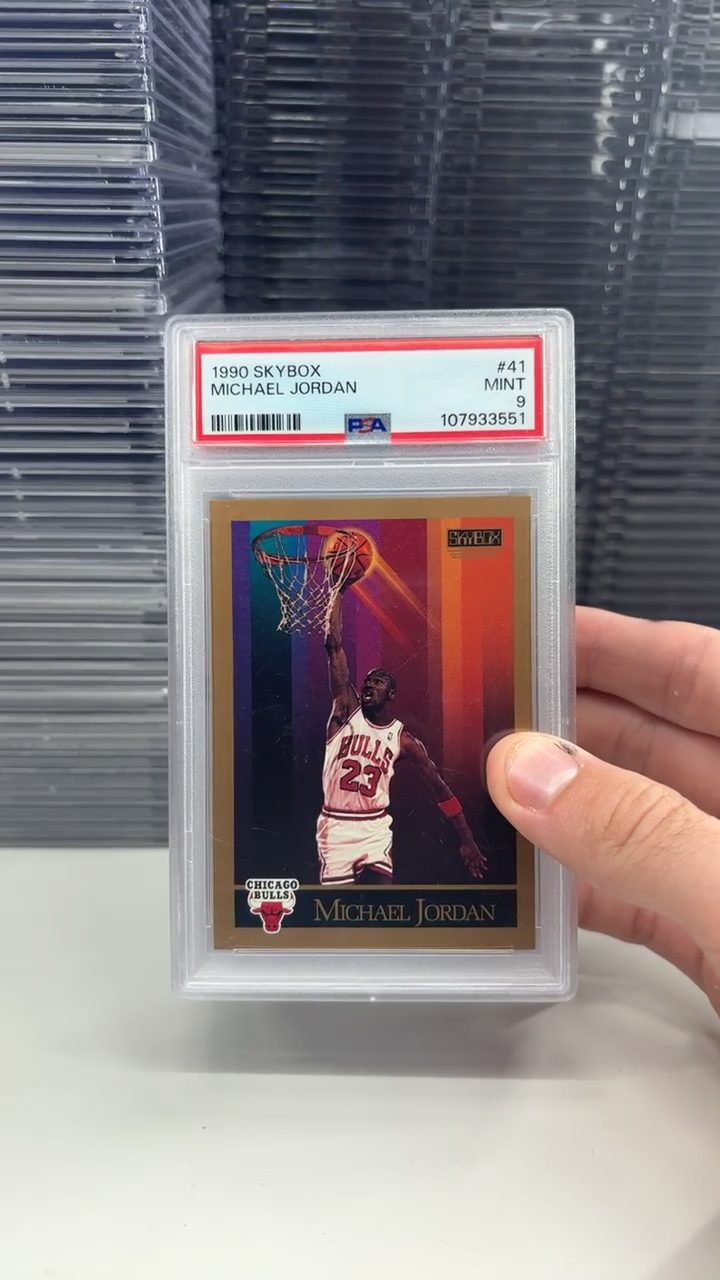
Slabscout turns the card on a live Whatnot stream into a match you can inspect: the exact card, the reference image, the confidence signals, and the most relevant price comps—all before the auction moves on.
 Your scan
 SCP catalog
Stop bidding on a guess.
Live auctions move faster than manual research. Search too broadly and the comps are meaningless. Search too carefully and the card is already gone. Slabscout puts the match and its evidence directly on the stream, so you can verify first and decide fast.
See why it matched
Your scan sits beside the matched reference image. Player, year, set, card number, and visual agreement are shown as separate checks. If the evidence is incomplete, Slabscout says “Needs review” instead of dressing up a guess.
Price the exact card
Raw cards, slabs, and parallels are kept separate. Sold evidence is labeled as sold; live listings are labeled as asking prices. You can inspect the comp photos and open the underlying eBay results before trusting the number.
Know when to pass
The live bid is compared with the available market evidence while the auction is still running. A bargain signal is useful. A warning that the match is uncertain—or the bid has outrun the comps—is often worth more.
One key between the card and a better decision.
Install once
Add Slabscout to Chrome, Edge, or Brave. There is no Slabscout account to create.
Connect card recognition
Paste your Google AI key into Slabscout settings. The key stays in your browser and is used only when you ask Slabscout to scan.
Press S
When the card is visible on a Whatnot stream, press S. Review the match, compare the images, and make the call.
Get ready before the next break.
The Chrome Web Store listing is still in review. For now, you can install Slabscout manually in about a minute:
Manual install (Chrome / Edge / Brave)
2. Go to chrome://extensions and turn on Developer mode (top right).
3. Click Load unpacked, pick the unzipped extension folder.
4. Open Settings from the extension, paste your key, go scan something.